#3D Render
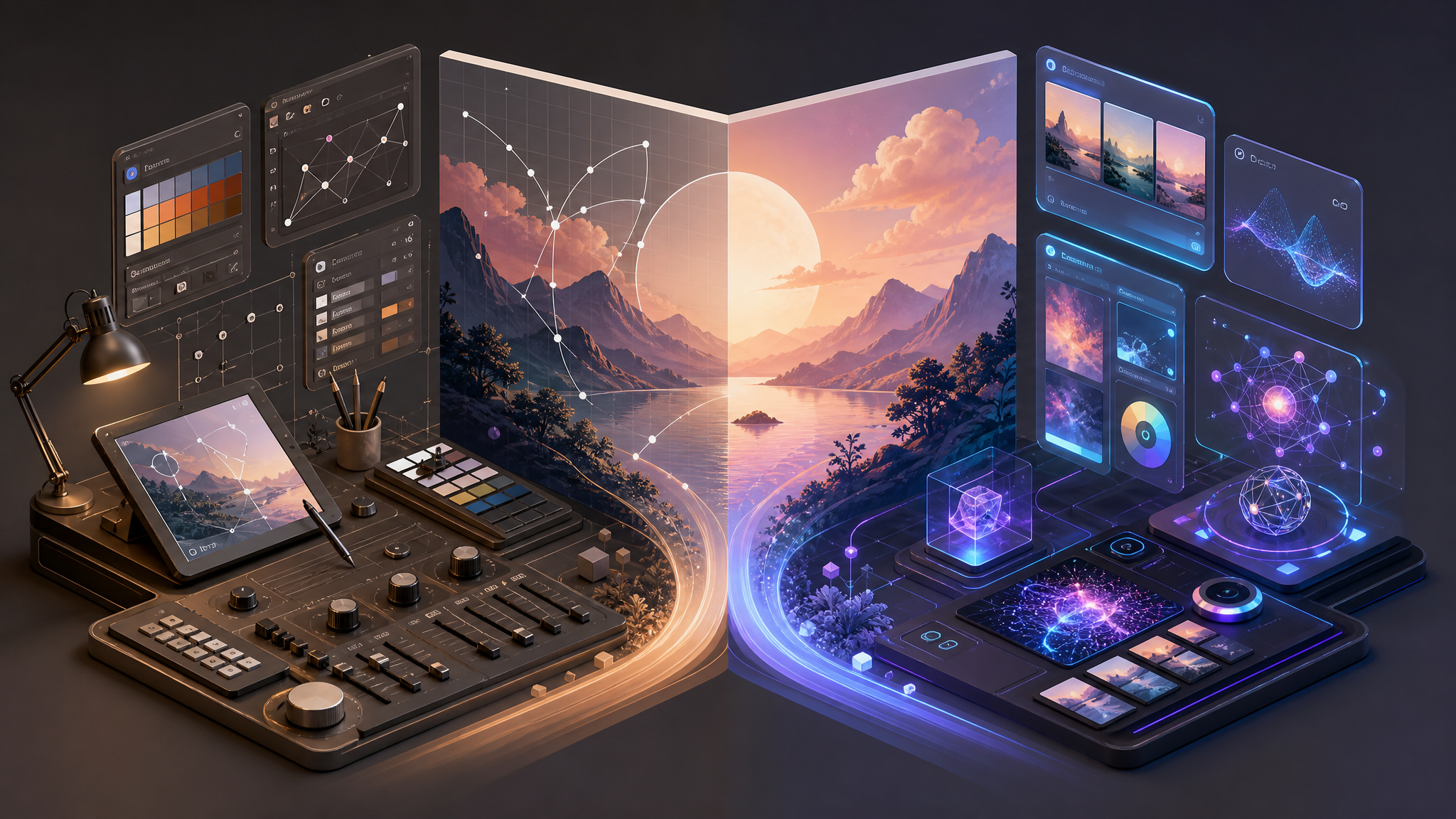
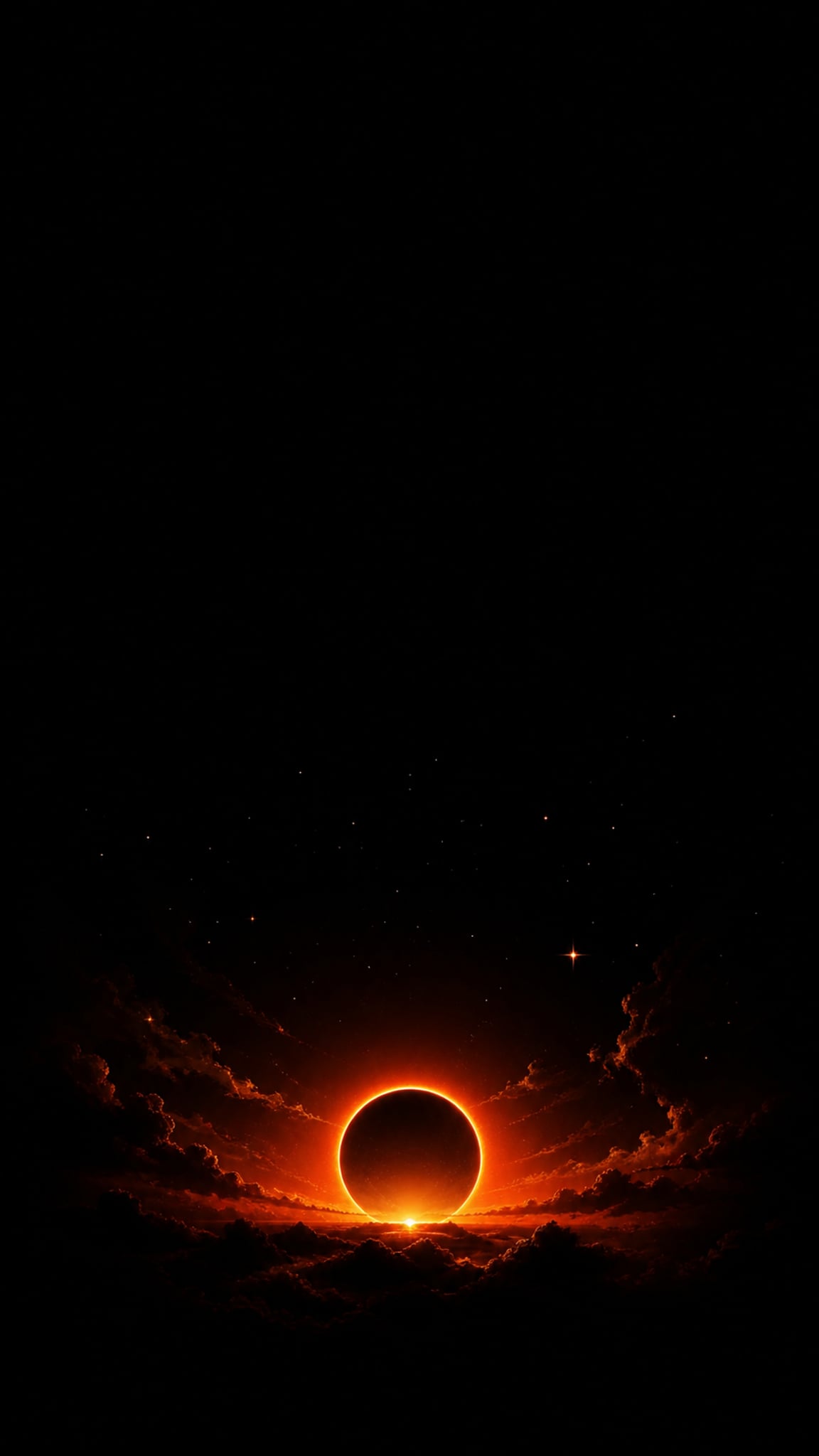
3D render wallpapers turn digital three-dimensional models into finished images through lighting, shading, texturing, and viewpoint control. The style can be realistic or stylized, but the common thread is volumetric form: objects feel built, lit, and surfaced rather than simply drawn flat. As a wallpaper category, 3D render is broad enough to include polished objects, sci-fi scenes, architectural spaces, and abstract digital forms, as long as the image depends on rendered depth and material behavior.
About 3D Render Art
Britannica's computer-graphics overview explains that three-dimensional rendering exists because bitmaps alone are not enough for most computational tasks: rendered images require three-dimensional representations of the objects in the scene, hidden-surface handling, and increasingly realistic shading and texturing. The same article highlights the Utah Teapot, created at the University of Utah in 1975, as a standard rendering benchmark for computer models. SIGGRAPH's 50th-anniversary release places 3D rendering within the larger computer-graphics community that has grown since the 1970s and explicitly notes that today's artists use 3D rendering tools because of developments that came out of that community. Pixar's RenderMan history page adds the production-rendering layer: Pixar introduced RenderMan in 1988 on top of the REYES system, then evolved from that approach toward ray tracing as realism demands and computing power increased. Taken together, those sources support treating 3D render as a rendering-driven image style rather than a single visual movement.
Visual Traits
- Volumetric objects that feel modeled rather than sketched
- Light-driven form definition through shading and surface response
- Visible material behavior such as matte, satin, glossy, or reflective finishes
- Occlusion and hidden-surface logic that make spatial depth convincing
- Texture and surface finish as part of the final read, not decorative afterthoughts
- Controlled viewpoints that can range from product-shot precision to wide environmental scenes
- A stronger sense of physical depth than flat illustration or line-led drawing
- A finish shaped by rendering choices rather than only by outline or brushwork
Use Cases
Abstract desktop wallpapers built around polished forms and controlled lighting
Tech and product wallpapers featuring hero objects or device-like compositions
Sci-fi or architectural environments with deeper spatial mood
Minimal wallpapers that isolate one rendered form against a clean backdrop
Dark-background wallpapers where material highlights carry the composition
Similar Styles
Different From
Prompt Guide
Prompt Directions
- State that you want a rendered image, not a flat illustration
- Describe the object or scene first, then define surface finish and lighting
- Use material words such as matte, glossy, metallic, translucent, or frosted to control the render feel
- If the result feels too painterly, ask for cleaner modeled form and stronger light-defined volume
- If the result feels too generic, lock the scene type: product object, architectural interior, sci-fi corridor, abstract digital sculpture
Tips
- Internal editorial suggestion: choose the material family early because it changes the whole wallpaper mood.
- Internal editorial suggestion: for icon-heavy screens, keep the highest-contrast highlight cluster away from the center.
- Internal editorial suggestion: rendered-object wallpapers usually hold up better than overcomplicated environment shots on small screens.
- Internal editorial suggestion: cross-link with `3d-isometric`, `glassmorphism`, and `liquid-chrome` helps users separate medium from projection and material.
Recommended Keywords
Avoid
Common Failures
- The image stays flat because surface finish and light interaction were never specified
- Materials contradict the scene and make everything look like generic plastic
- Lighting is inconsistent, so the render loses believable volume
- The subject is technically rendered but compositionally empty